


WhatsApp (German)+49 1638712191
Chat now Customer Service
If you need help, have questions, or want support with your booking, our team is available across all key contact channels.
WhatsApp (English)+49 17661707657
Call mobile Adresse e-mailinfo@airporttaxis24.com
Send email Important questions before and after booking
Quick answers about comparing transfers, confirmation, passenger-account access, changes, airport pickup and flight delays.
Enter your pickup and destination, travel date and time, passenger count and luggage details. Compare available vehicles and total trip prices, choose an option, add any available extras, enter passenger details and complete payment.
Sign in to your passenger account using the email associated with the booking to view confirmed journeys, passenger details, pickup information and available self-service options.
Your transfer is confirmed when the confirmation page, email or voucher provides a booking reference. Review the route, date, time, passenger count, luggage and contact details immediately.
Open the booking in your passenger account to check the available change or cancellation options and the conditions that apply. Contact support with your booking reference when self-service is unavailable.
Un support qui se veut clair, calme et fiable
Ces signaux de confiance expliquent pourquoi le support Airporttaxis24.com fonctionne bien avant la réservation, lors de la coordination de la prise en charge, et après la fin du trajet.
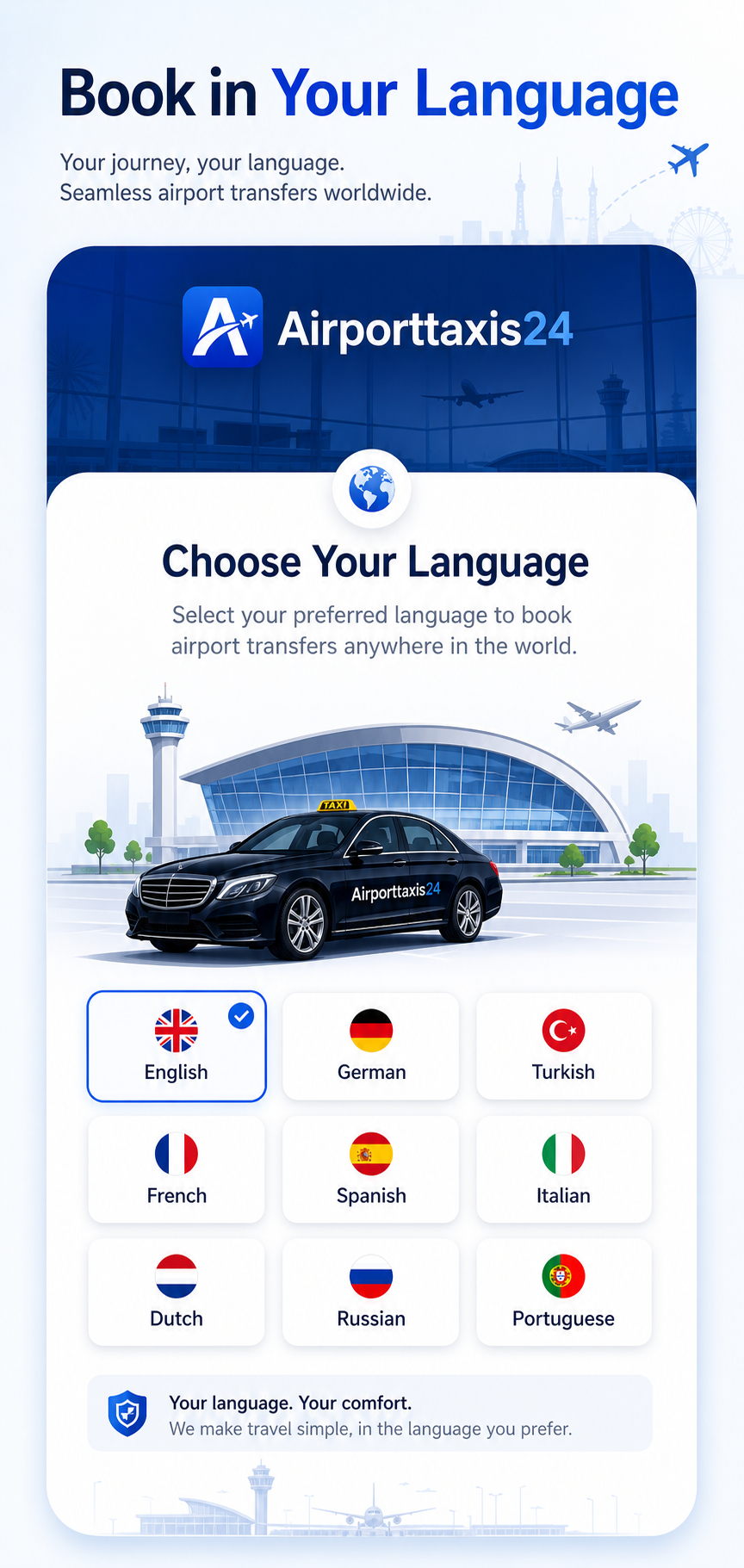
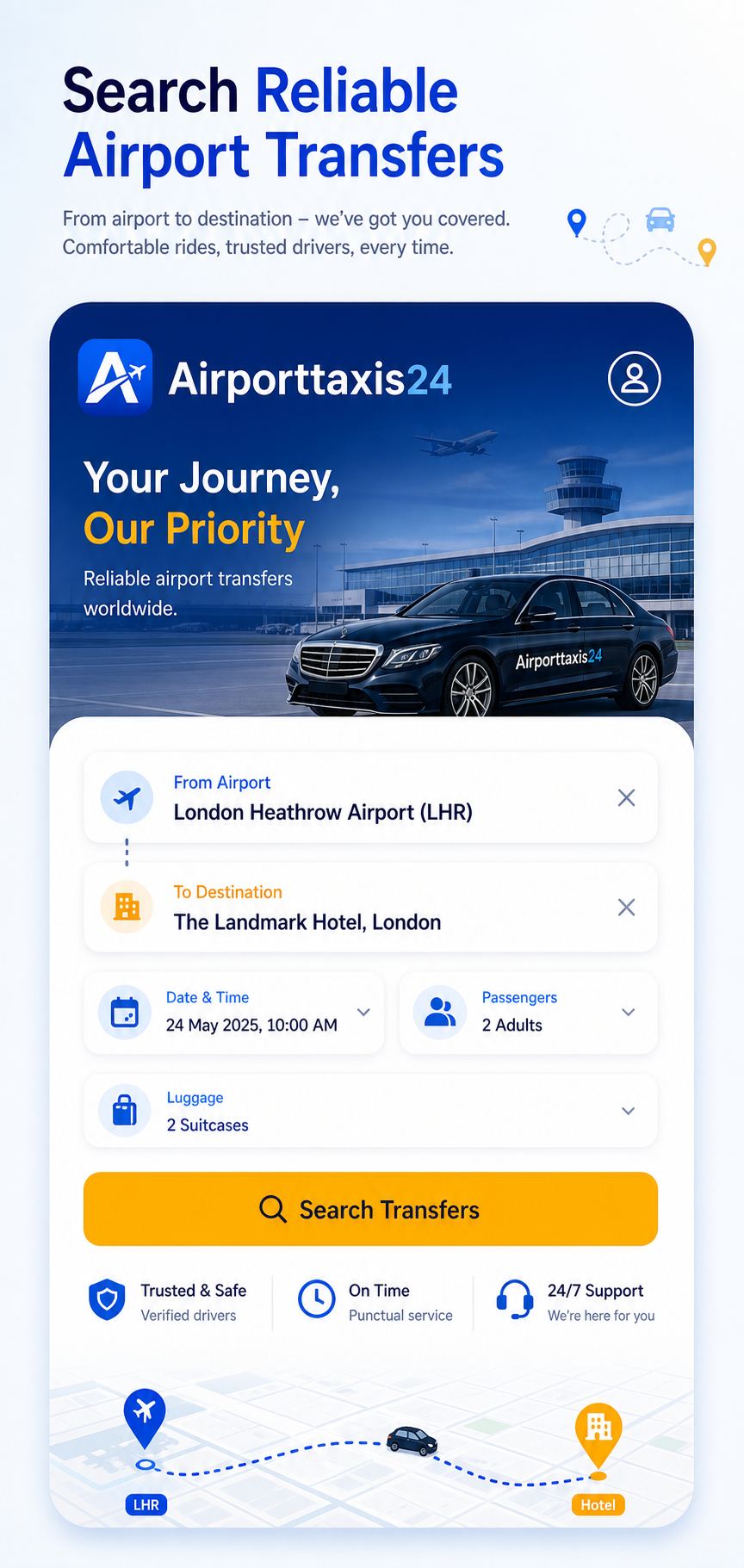
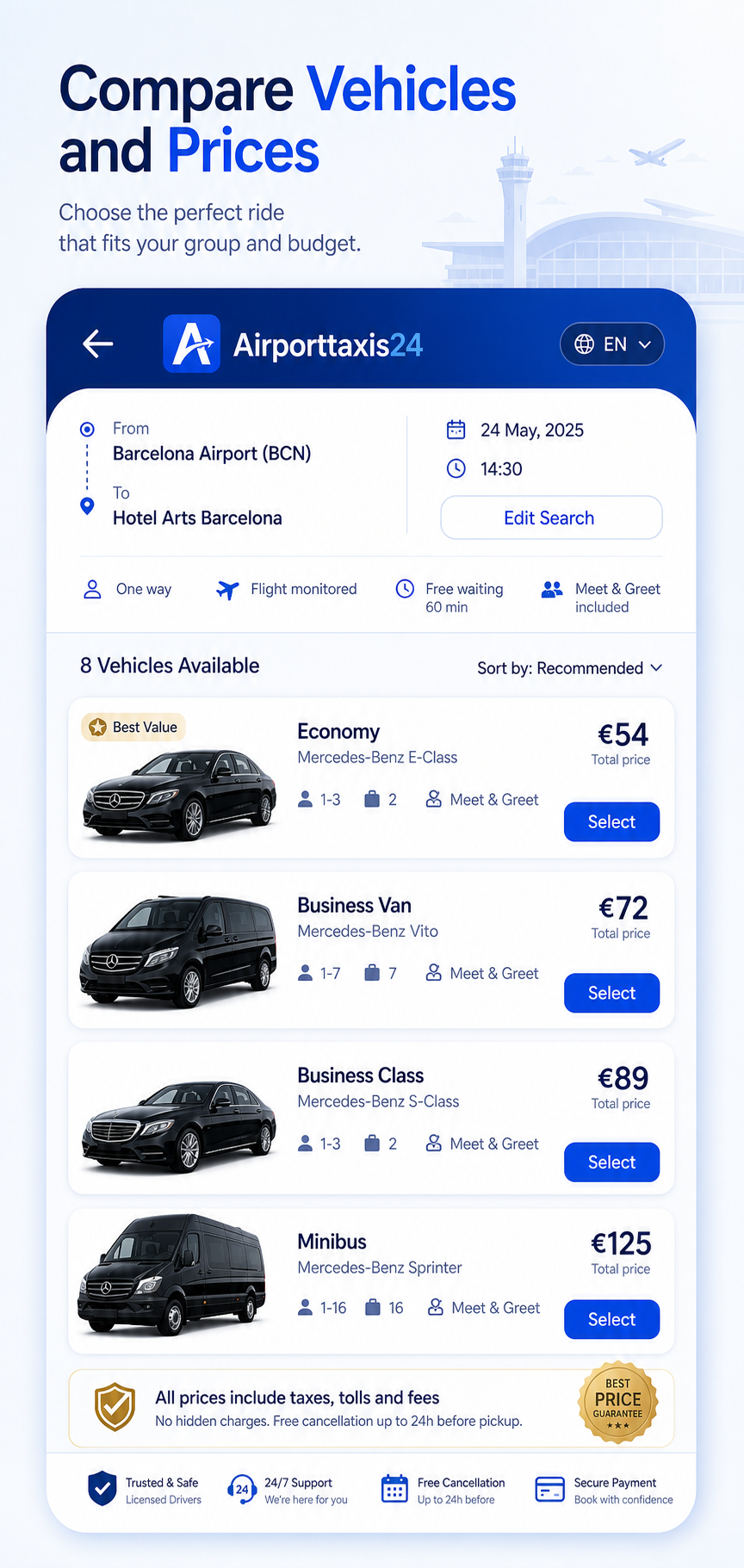
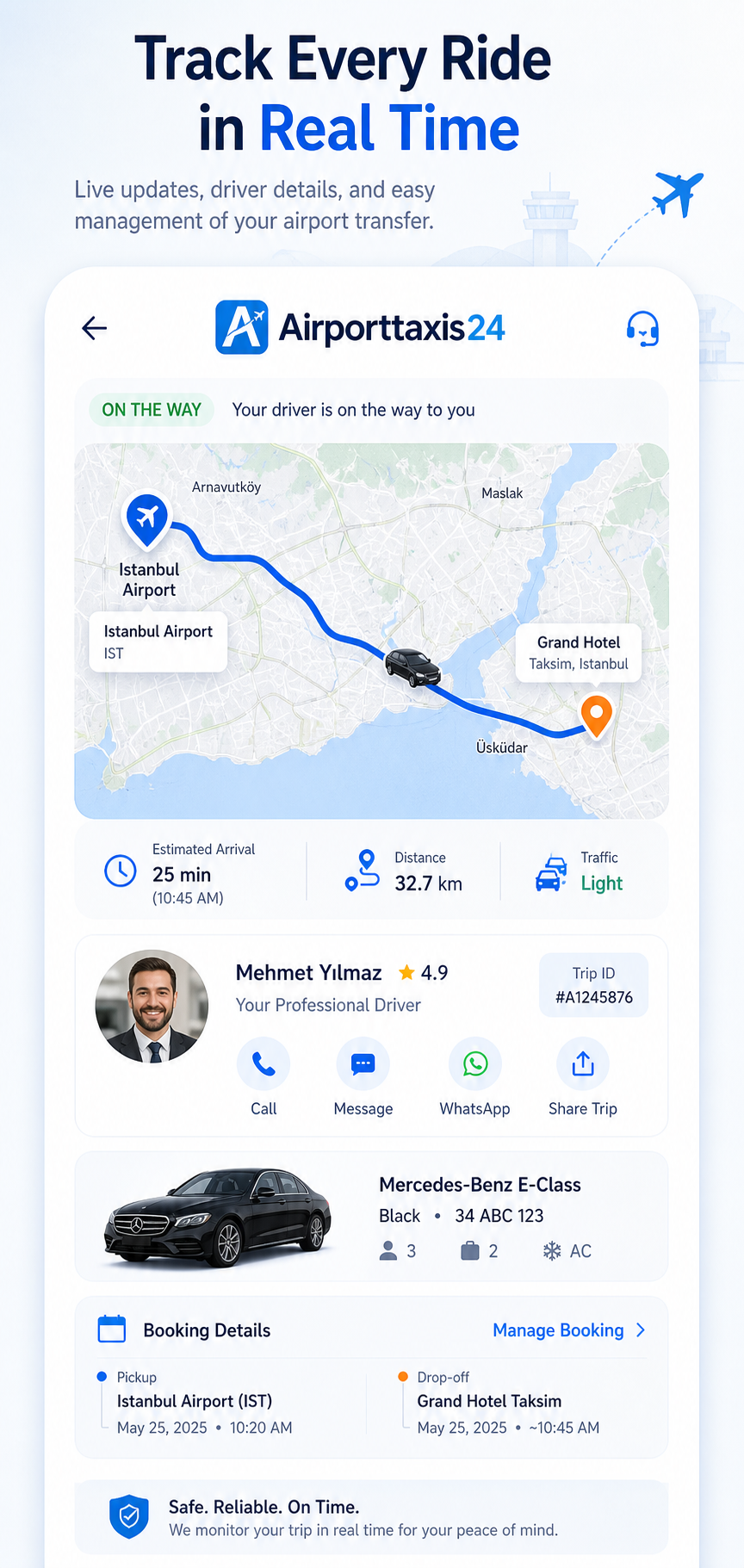
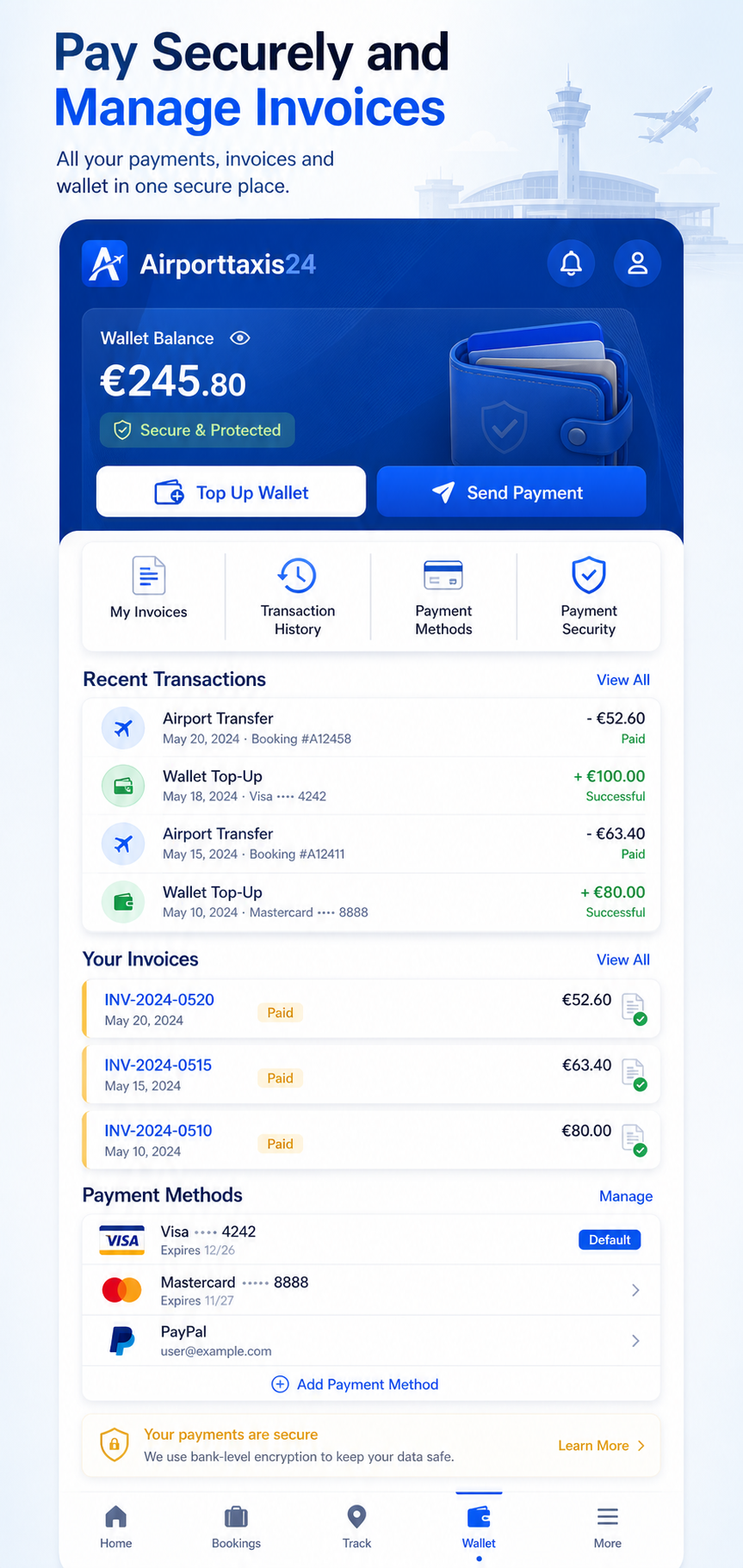
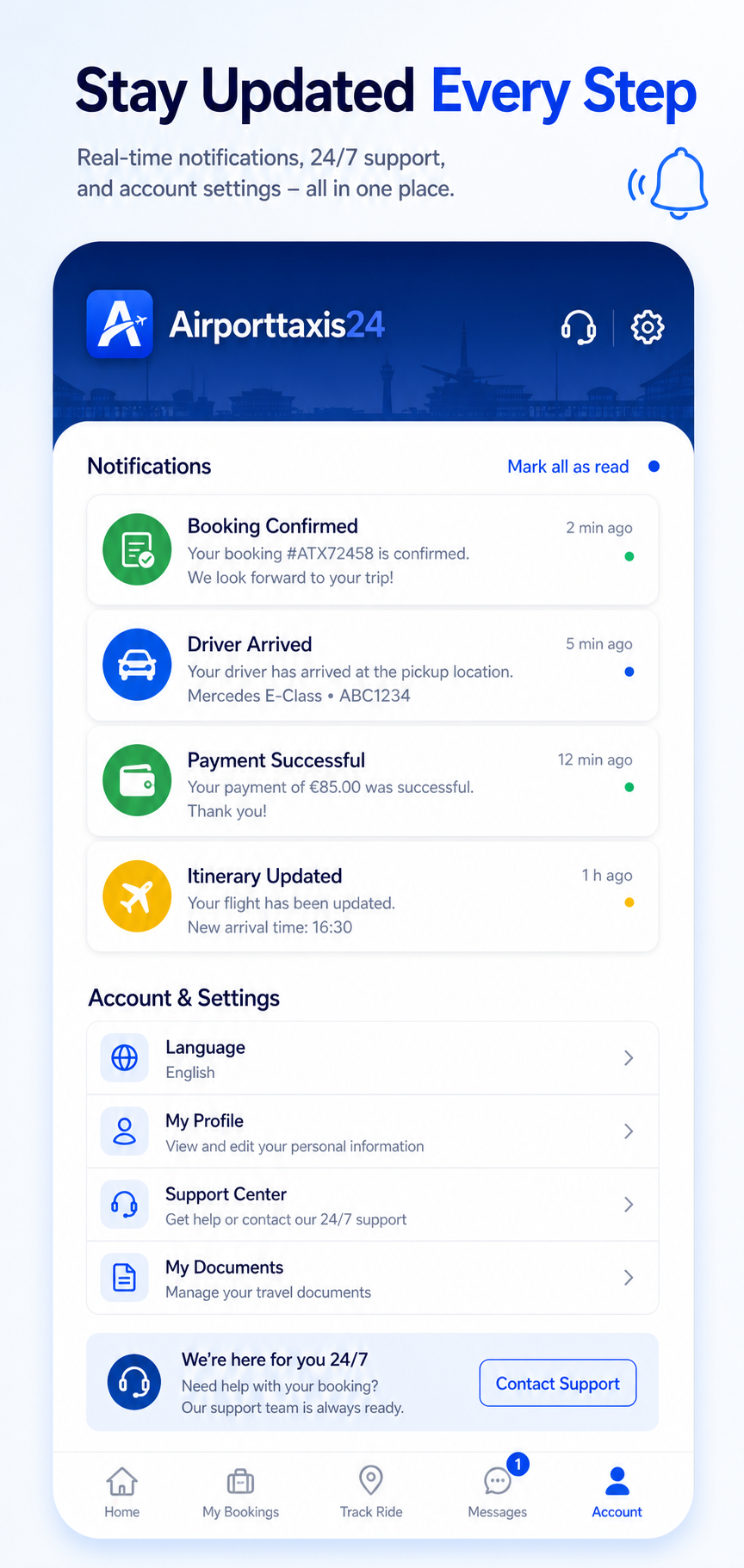
Your Journey, In Your Pocket
Book, track and manage your airport transfers anytime, anywhere with the Airporttaxis24.com mobile app.
- Instant Booking & Confirmation
- Live Flight Tracking
- Manage Bookings Easily
- Secure In-App Payments